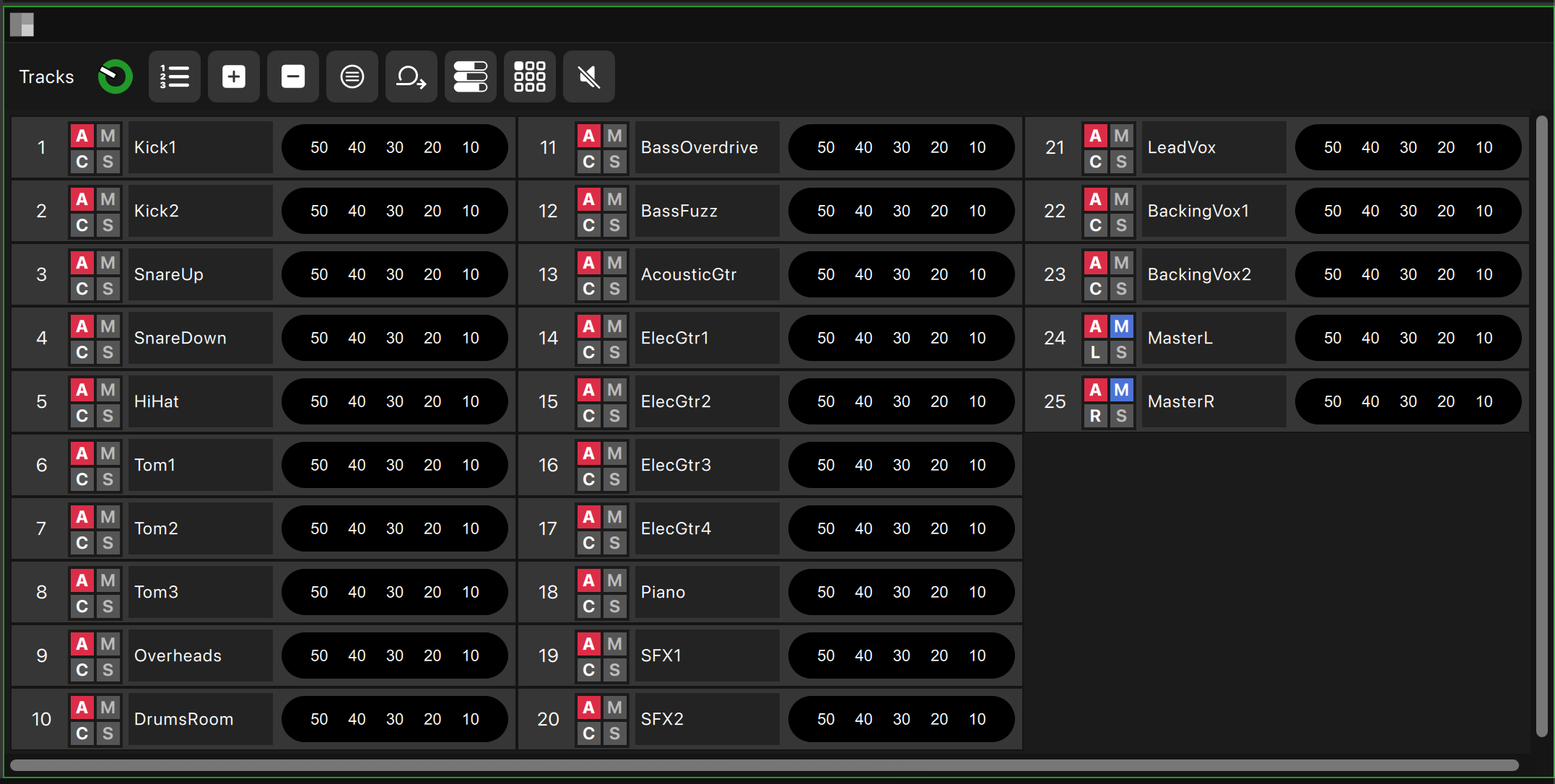
Tracks
Your command center for multitrack recording. Arm, solo, mute, and pan individual tracks with precision. Customize track names and configure your layout exactly how you need it. Real-time metering and intuitive controls keep you focused on the performance, not the interface.
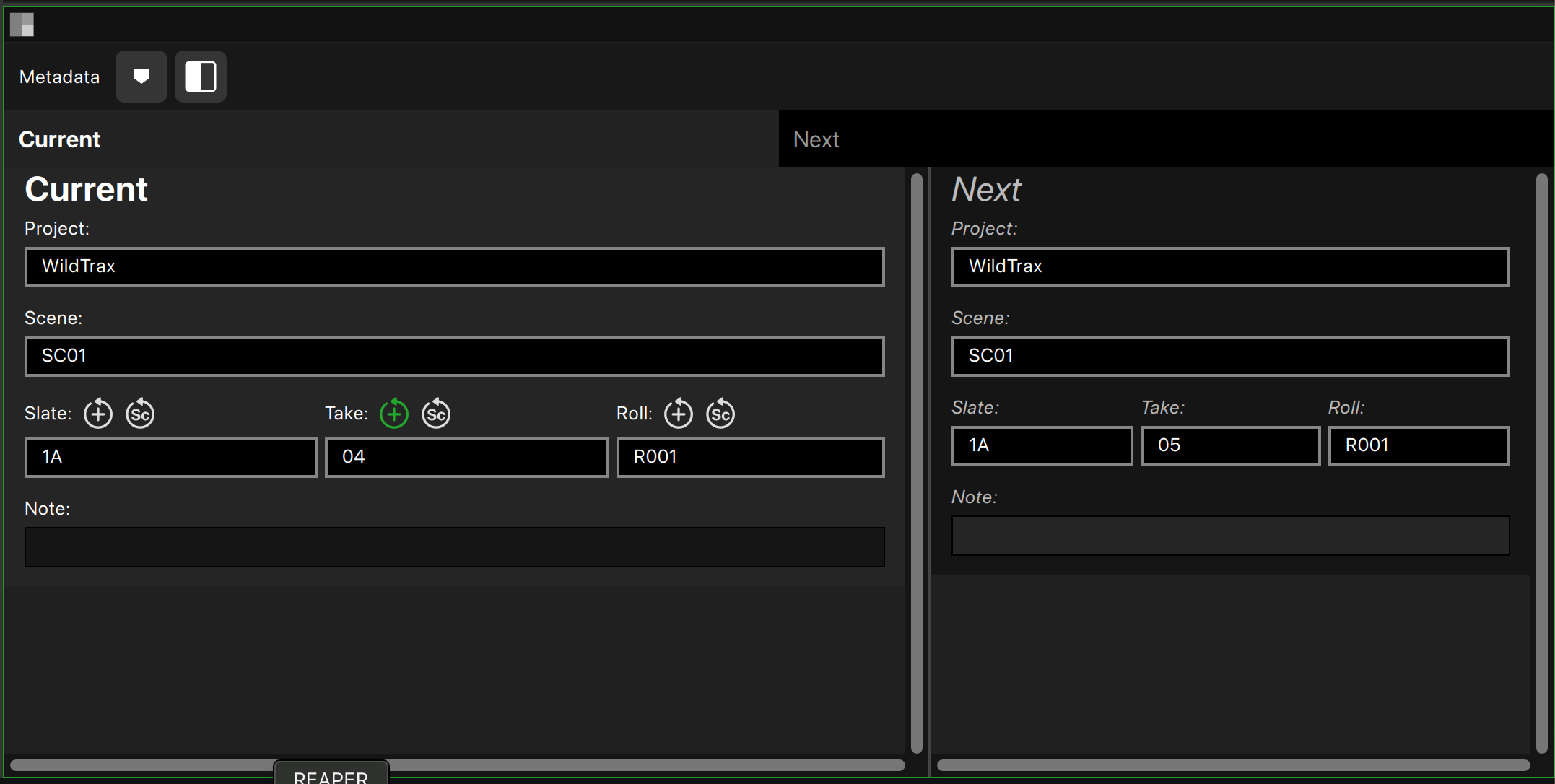
Metadata
Tired of juggling spreadsheets or jumping into other apps just to rename a take? WildTrax simplifies your metadata workflow by embedding all critical information, including scene, take, notes, and track assignments, directly into your audio files. That means post gets everything they need without extra work from you. You can easily go back and tweak any metadata from within the app, even across multiple takes or days of shooting. And when it is time to deliver, generate clean, professional sound reports with a single click.
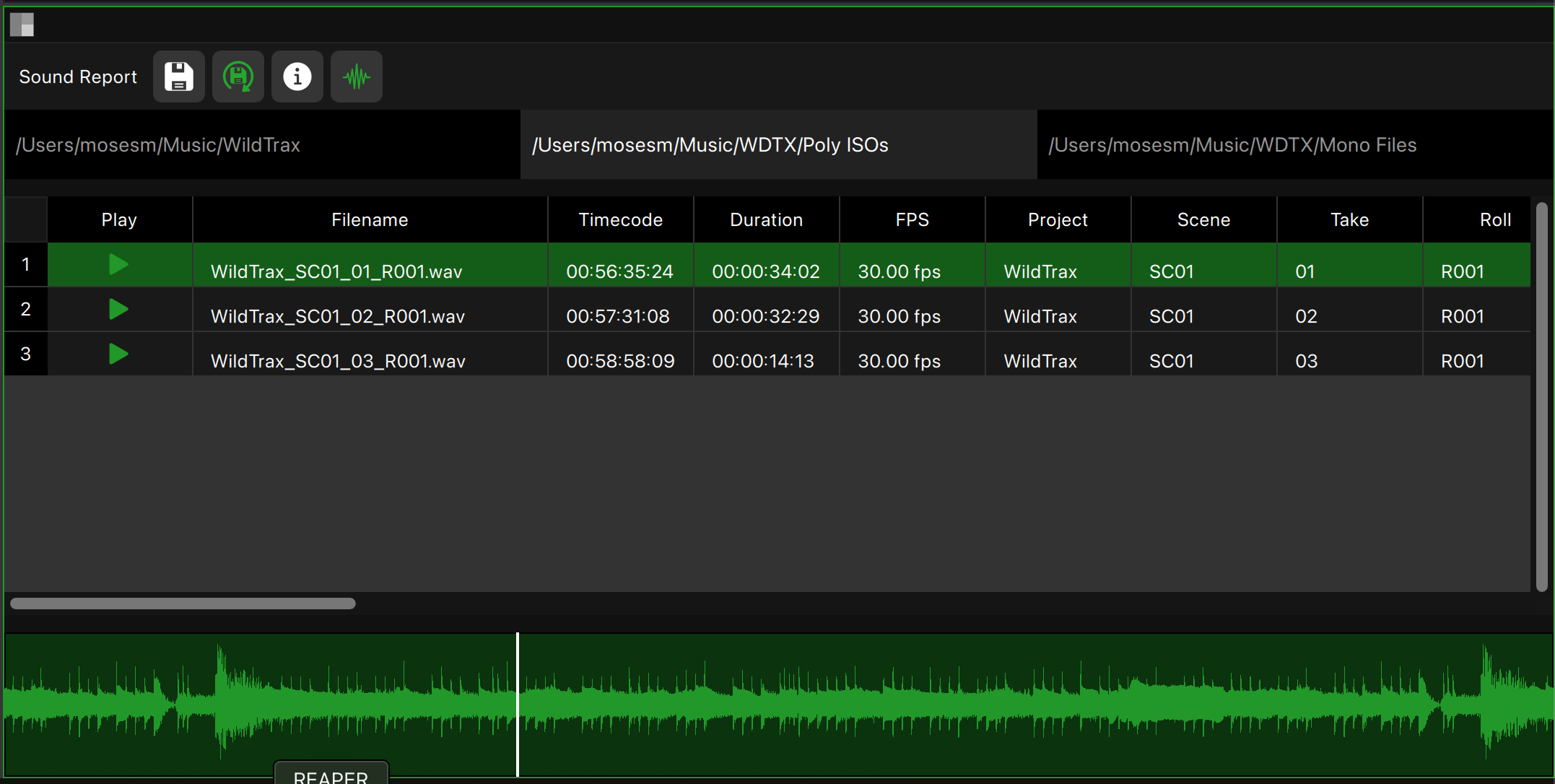
Sound Report
Automatically track your recorded files and generate professional sound reports. Edit metadata, playback audio, view waveforms, and scrub through your recordings. Set contact info, add custom fields, and keep post-production happy with organized, accurate documentation every time.
Files
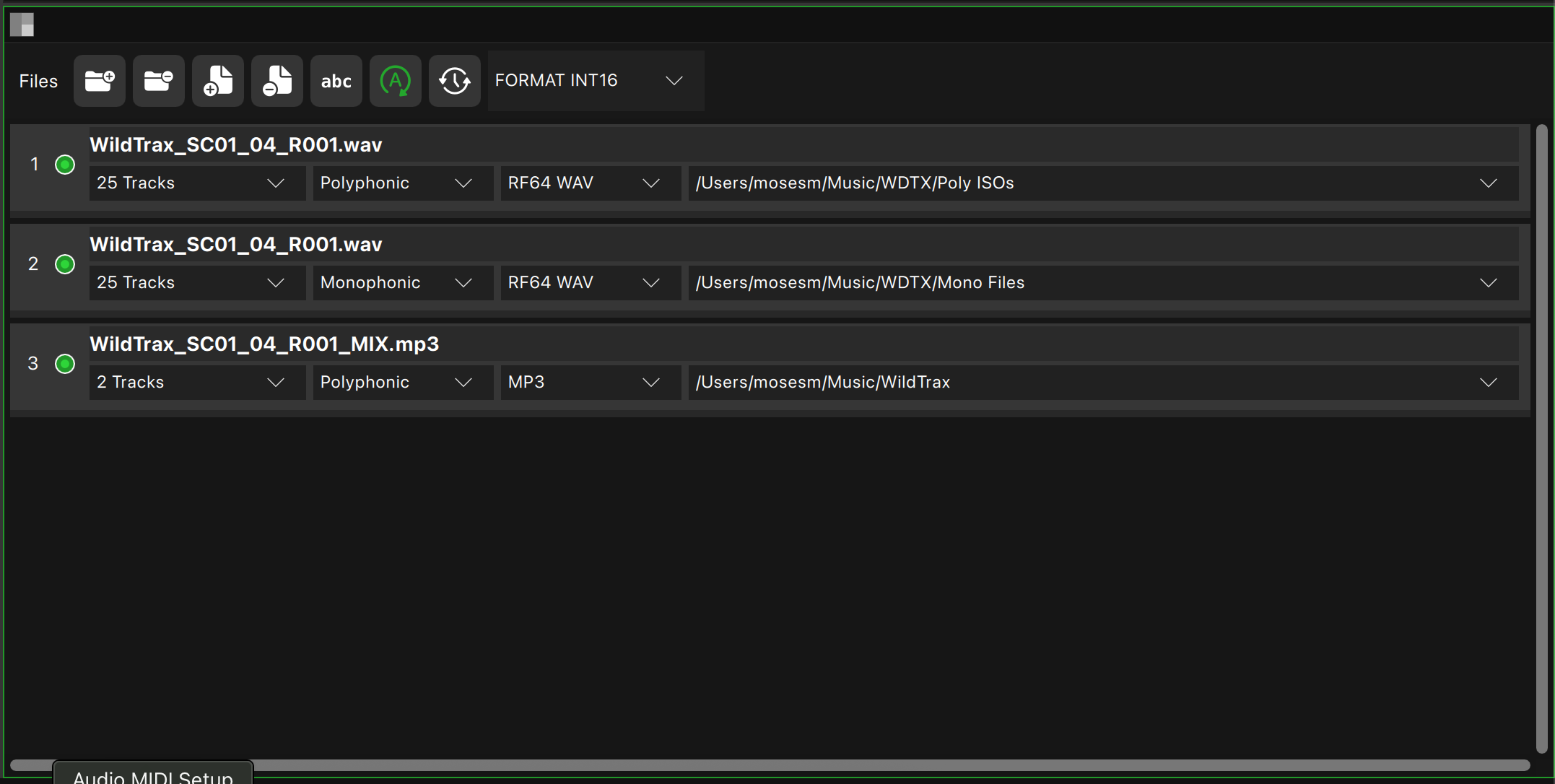
With WildTrax, you are never boxed in. Record anywhere from 2 to 512 tracks per session with total flexibility and clarity. Set your own sample rate, bit depth, and choose between polyphonic or monophonic file types depending on your needs. Whether you are tracking a 5-piece band, a 50-mic game show set, or a 500-line broadcast feed, WildTrax adapts without breaking a sweat. You can also define exactly where you want your files saved, across multiple drives, folders, or servers, giving you complete ownership over your session flow.
Input/Output Matrix
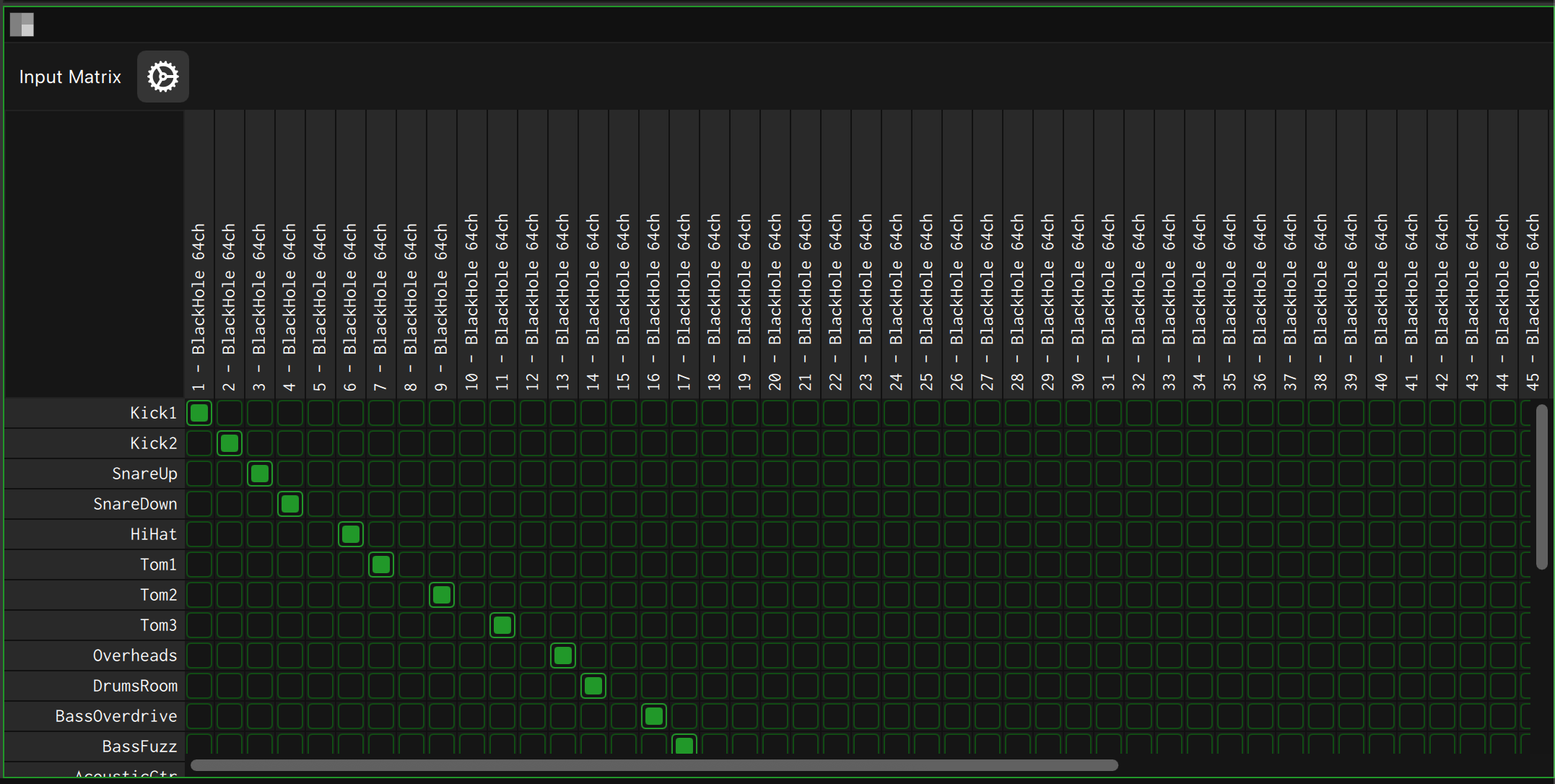
Route audio inputs to tracks and tracks to outputs with complete flexibility. The visual matrix makes complex routing simple and fast. Pro tip: hold Option to auto-click diagonally for quick one-to-one patching. Perfect for large-scale productions where every channel counts.
Spectrum Analyzer
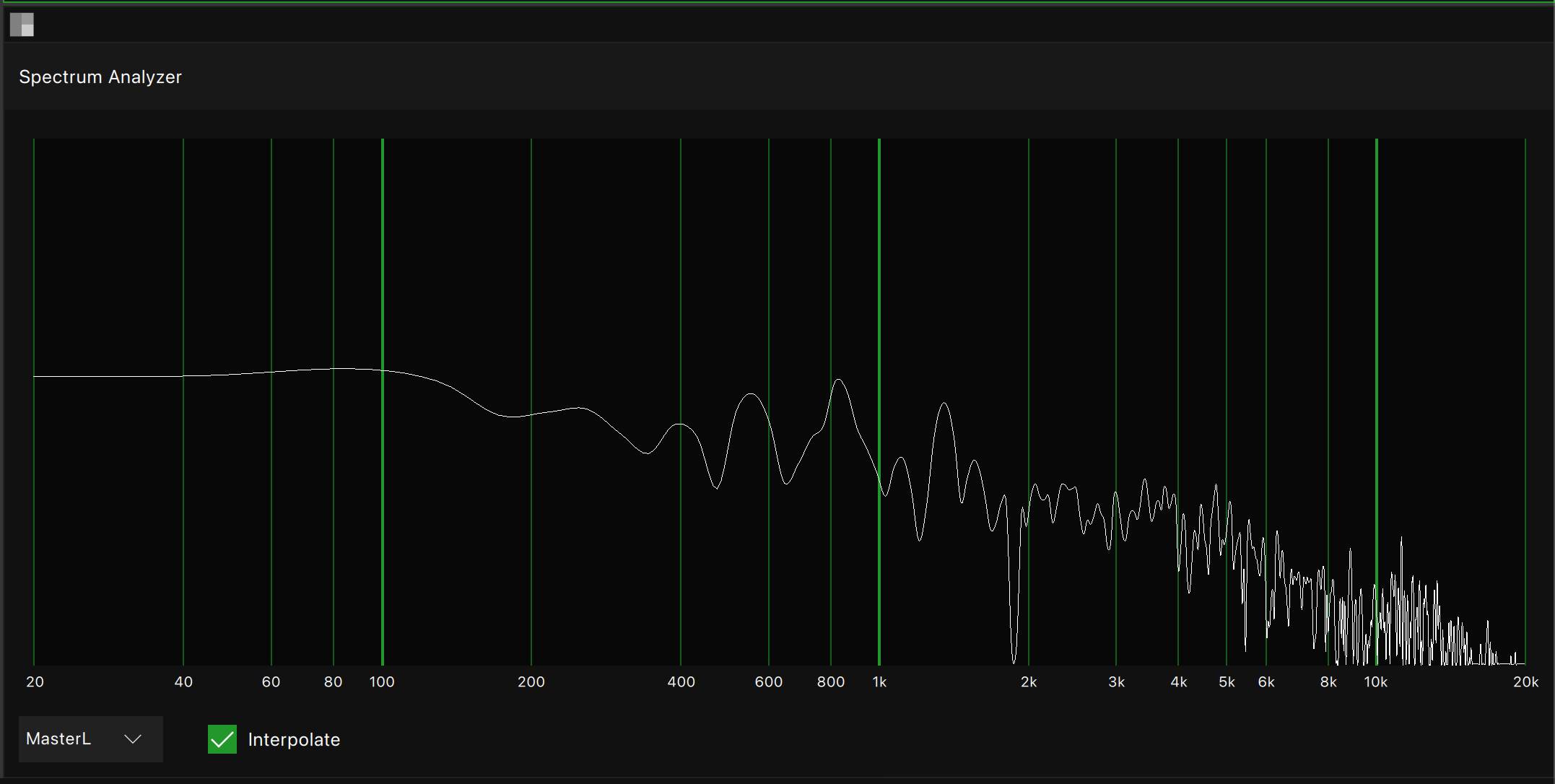
Visualize your audio in real-time with the built-in Spectrum Analysis Panel. Whether you're troubleshooting interference, spotting rogue frequencies, or just keeping tabs on signal integrity, this tool gives you instant visual feedback across the entire frequency range. Fast refresh rates, adjustable scales, and a crisp display help you make decisions on the fly.
Sample Pad
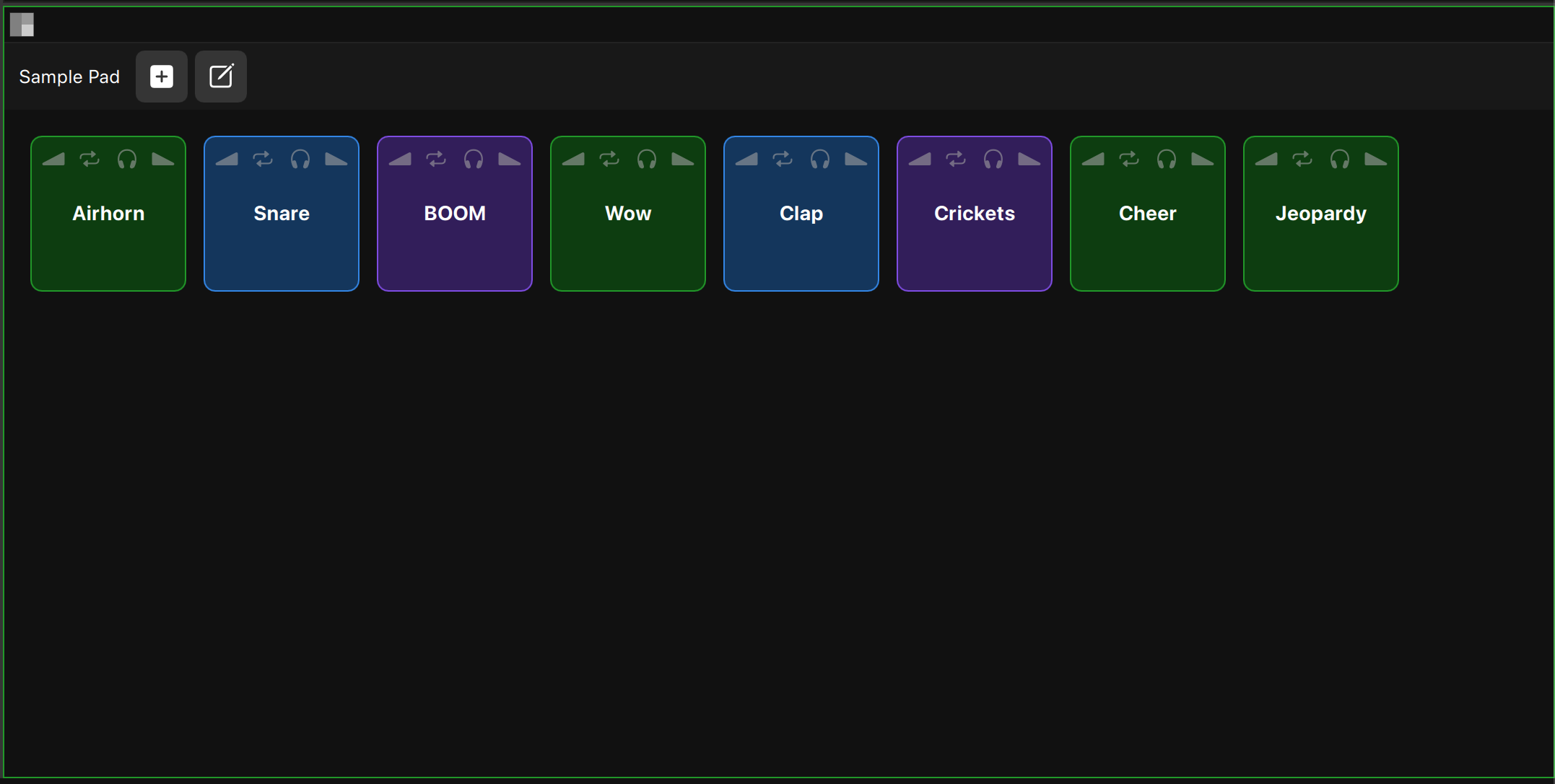
Load WAV files for instant playback during your session. Customize each pad with fade in/out, solo, loop support, and custom background colors. Perfect for triggering sound effects, music cues, or any audio you need at your fingertips during live productions and podcasts.
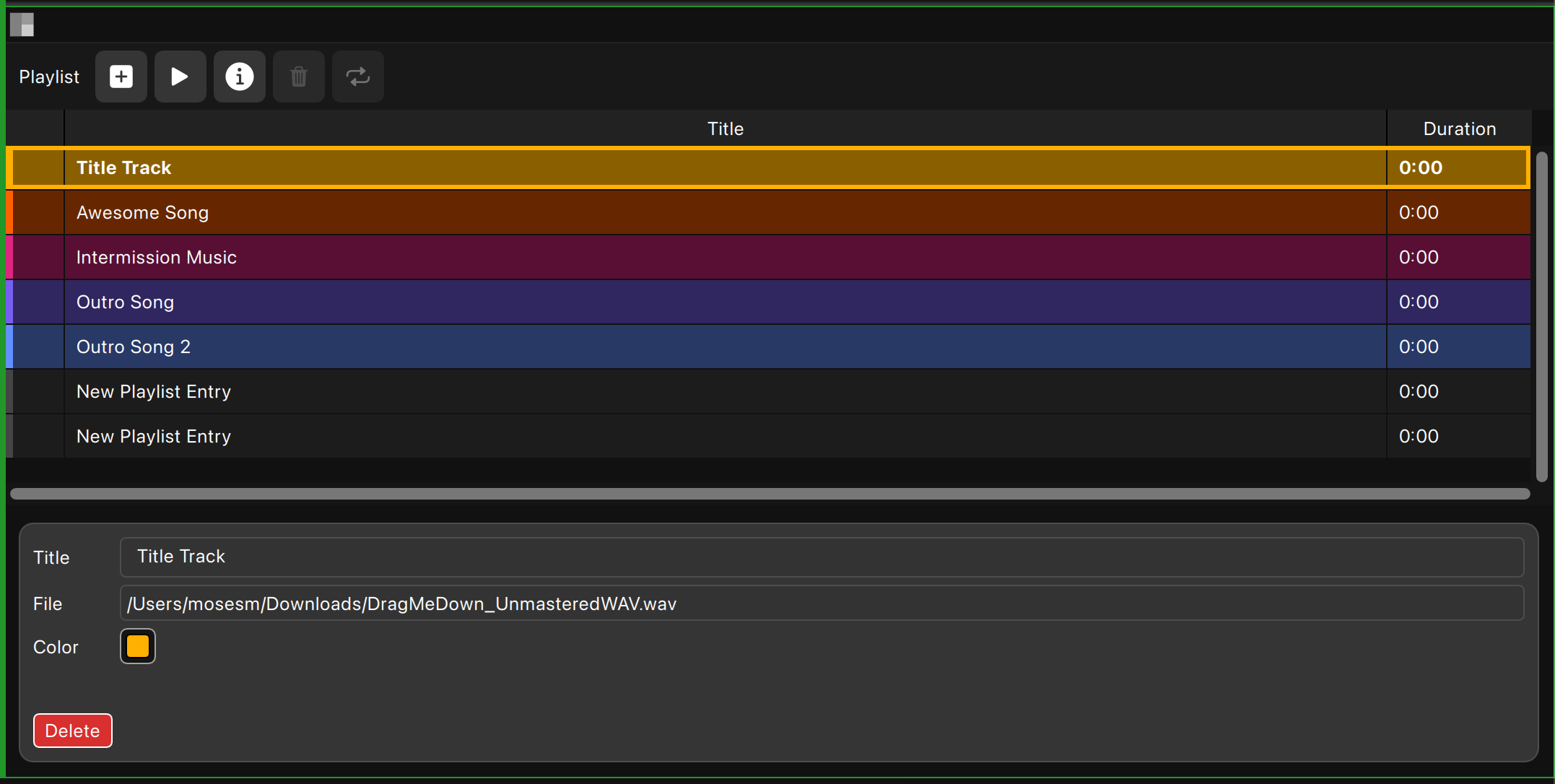
Playlist
Build a playback queue for reviewing your recordings. Add custom titles and background colors to organize your takes. Queue up multiple files, play them back sequentially, and compare performances without leaving your workspace. Perfect for client reviews and session playback.
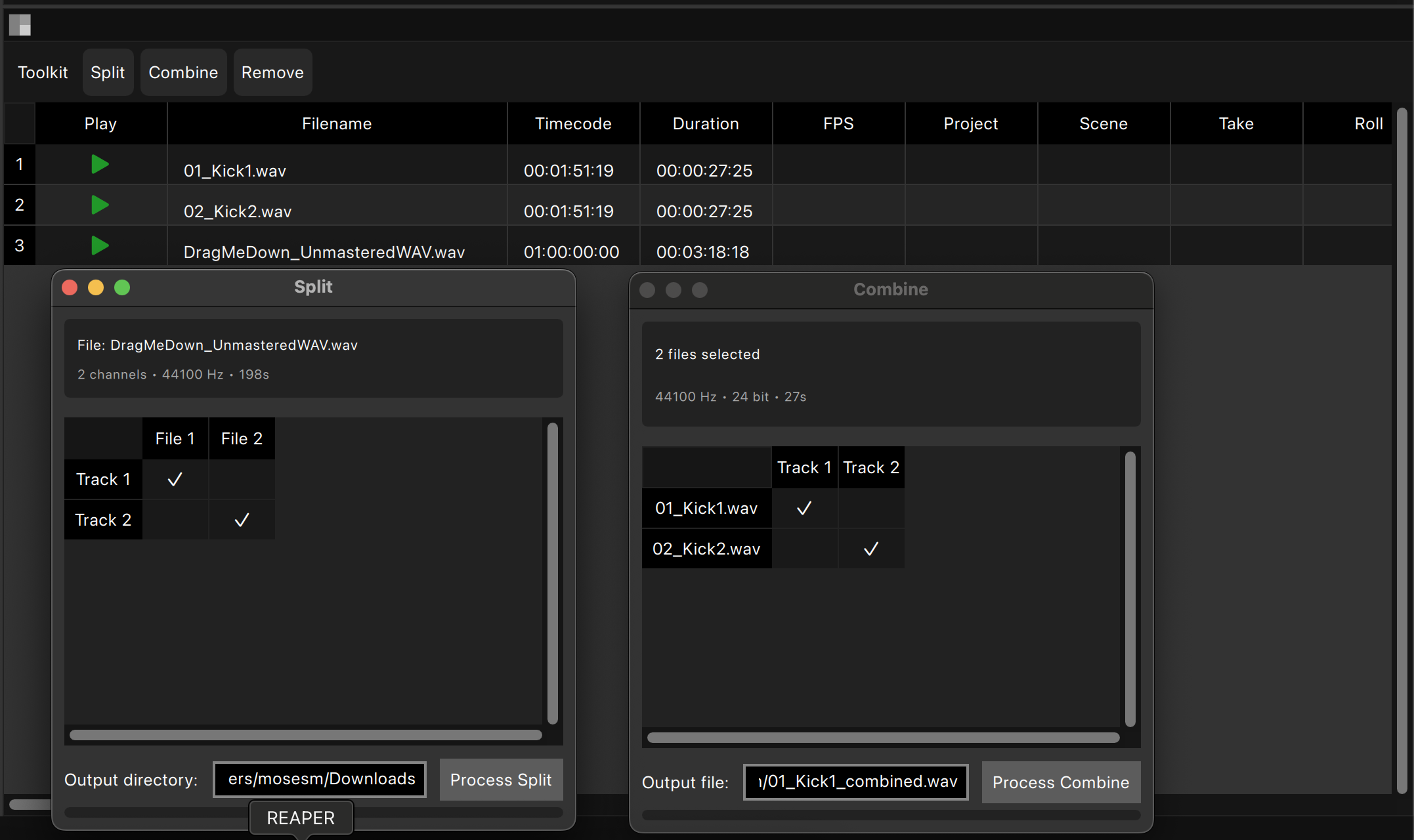
Toolkit
Split and combine polyphonic and monophonic WAV files with ease. Convert between file formats, manage your audio files, and handle post-production tasks without leaving WildTrax. Essential utilities for organizing and preparing your recordings for delivery.